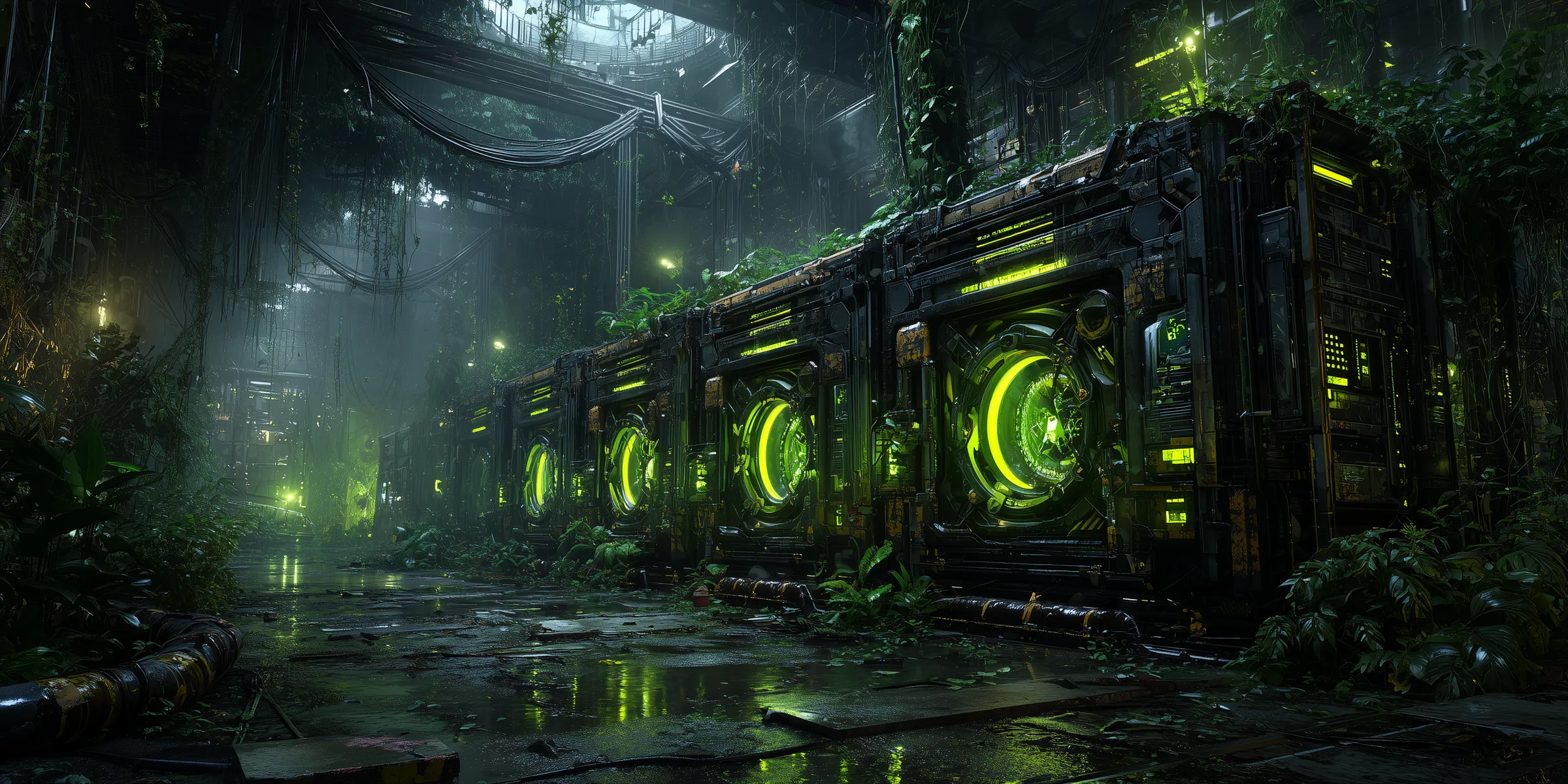
WebGL contexts are scarce
I had a scroll-driven page with two 3D scenes on it. A particle field near the top, a node constellation further down. Both mounted, both alive at once.
The second one went blank. The console said Context Lost. For a visitor that is a
dead black rectangle where a 3D scene should be, on a page that behaved perfectly in
every isolated test.
My first theory was a texture or material bug in the constellation. It was the newer scene, so it was the obvious suspect. I spent a while there. I was wrong.
The wrong tree#
The blank scene rendered fine on its own. Pull the particle field out and the constellation was perfect. Put them back together and it died again.
That is the tell. If a component works alone but breaks alongside another one, the bug is rarely inside the component. It is something they are competing for.
Here the shared resource was not memory or CPU. It was the WebGL context itself.
What a context actually is#
Every live canvas running 3D holds a WebGL context, which is a real handle to the GPU. Browsers cap how many can be alive at the same time. The number is small, and it is not yours to raise.
Two full scenes on one page tipped me over that cap. The browser did what it is allowed to do: it took a context back, and the losing scene went dark.
A WebGL context is not just another component. It is a scarce resource the browser hands out and can take away.
Development made it worse. React StrictMode double-mounts components on purpose in dev, so each scene briefly spun up two contexts instead of one. I was asking for four where the browser would give me maybe a couple.
Keeping one alive at a time#
The fix was to make sure only one scene is ever live.
I lazy-loaded each scene with a dynamic import and no server rendering, so nothing spins up until it is needed. Then I gated each one on the viewport. The scene only renders when it is close to being on screen, with a pre-warm margin of roughly 200 pixels so it is ready just before you reach it.
In practice that means the JSX for a scene is simply not in the tree until you scroll near it, and it leaves the tree once you scroll well past. One context at a time, never two.
There is a cost. A scene tears down and rebuilds as you scroll back and forth, so there is a small rebuild each time it comes back into view. With the pre-warm margin you do not notice it, and a brief rebuild beats a permanently dead canvas.
The takeaway#
If a page has more than one 3D or canvas scene, assume you cannot keep them all alive. Treat the context as the scarce thing it is, and keep at most one live at a time.
I went looking for a broken material. The browser had simply run out of the thing I did not know I was spending.
Keep reading
 /Cybersecurity
The Spare Key Everyone Already Has
An API that cannot find its signing key should not invent one. This week I found one that did, and it fell back to a key already sitting in the repo.
 /AI
/AIThe Report Is Not The Work
A crew of AI agents fixed about eighty findings in one of my apps this week. The rule that made it work: an agent's report is testimony, not evidence.
 /Engineering
The Error Handler That Ate The Errors
I added a safety net to make failed data loads impossible to miss. Then I watched a page fail to load and say nothing at all.